XR components
Learn how Material 3 Expressive components adapt to extended reality devices
Overview · App bars · Dialogs · Nav bar · Nav rail · Toolbars
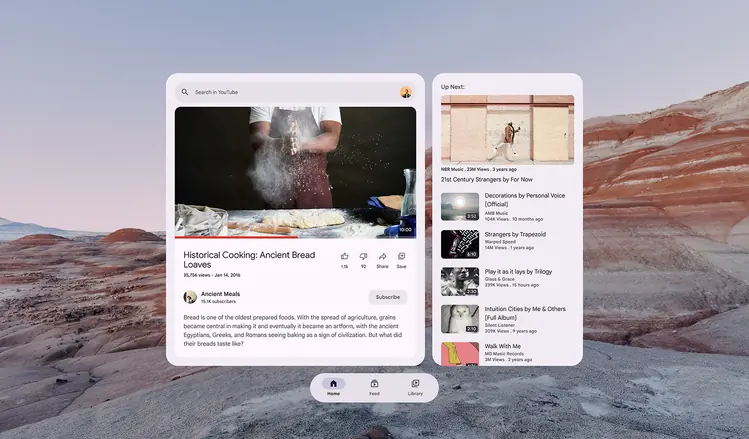
- Leverage depth and space to create believable environments
- Design for comfort to minimize motion sickness and physical strain
- Map interactions, like gaze and gestures, to real-world expectations
- Group UI elements on floating spatial panels
- Provide feedback through spatial audio, haptics, and visual cues
A toolbar’s behavior and placement changes from a 2D to a 3D experience
Material XR components
The following Material components are adapted for XR:
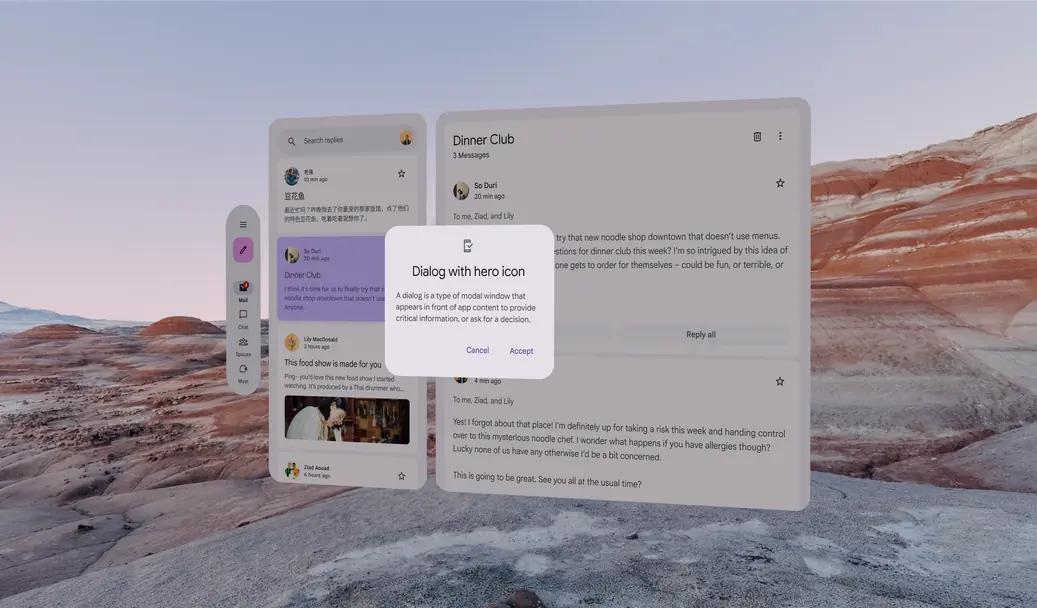
A dialog can be spatially elevated on the Z-axis above spatial panels