Bottom sheets
Bottom sheets are surfaces containing supplementary content, anchored to the bottom of the screen.
Overview · Specs · Guidelines · Accessibility
Use cases
Users should be able to:
- Resize bottom sheets without having to rely on touch gestures
Interaction & style
Touch target area
The top 48dp portion of the bottom sheet is interactive when user-initiated resizing is available and the drag handle is present.

To ensure touch target accessibility, the top portion of a bottom sheet can be reserved for resize interactions
Initial focus
The optional drag handle can be focused in the tab order and interacted with using non-touch inputs, such as keyboard or switch controls.
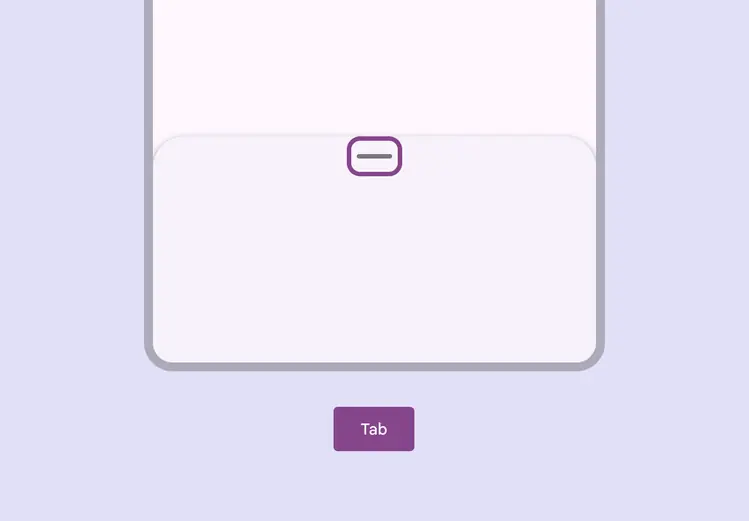
Visible focus shown on the drag handle affordance
Dragging
Include a single-pointer alternative for any action that can be completed by dragging.
Drag handles should cycle the bottom sheet through available heights when selected. If a drag handle can’t be used, add a button to do this action.
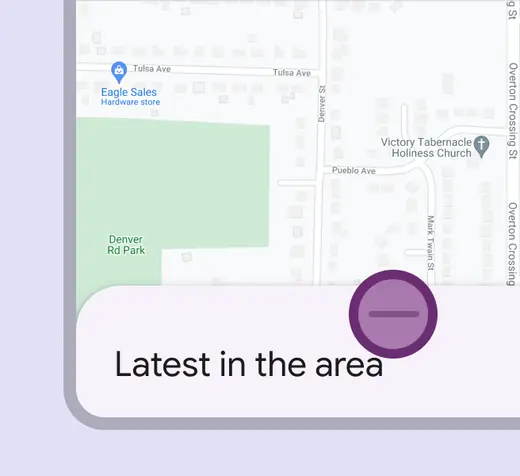
Interacting with the drag handle can quickly move a bottom sheet through preset heights

A bottom sheet can automatically resize to another height after interacting with the drag handle
Keyboard navigation
| Keys | Actions |
|---|---|
| Tab | Focus lands on drag handle |
| Space / Enter | Toggles between available heights |
Labeling
Label only the drag handle. The accessibility role for the drag handle is “button.”
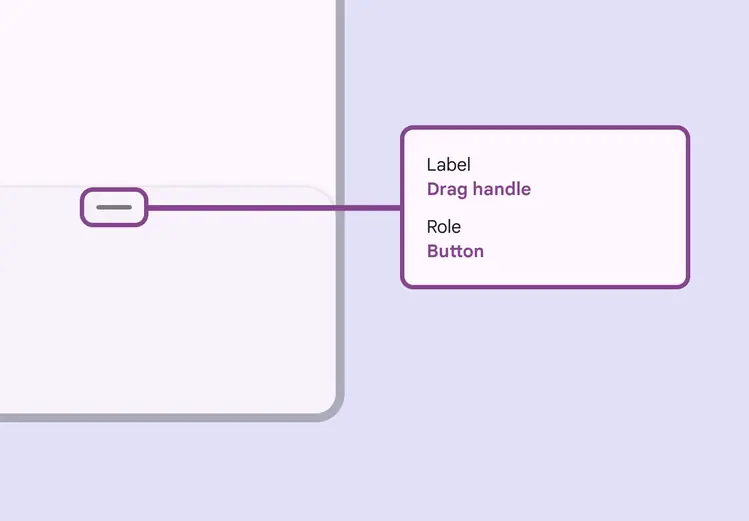
Label the drag handle