Design for watches
Watches have special design considerations and interaction patterns
Overview · Foundations · Styles · Layout
Resources
| Type | Resource |
|---|---|
| Design | Get Started with M3 Expressive |
| Design | UI Design for Wear OS |
| Design | Figma Design Kits for Wear OS |
| Implementation | Android Developers: Wear OS |
| Implementation | Jetpack Compose for Wear OS |
Anatomy
The watch face
Watch faces display the time, as well as other information and can provide access to other functions through apps and tiles.
They can also include complications, self-contained details that can show contextual info like heart rate or progress.
Ongoing activities on the watch face show in-progress actions, like a stopwatch countdown or a workout timer.
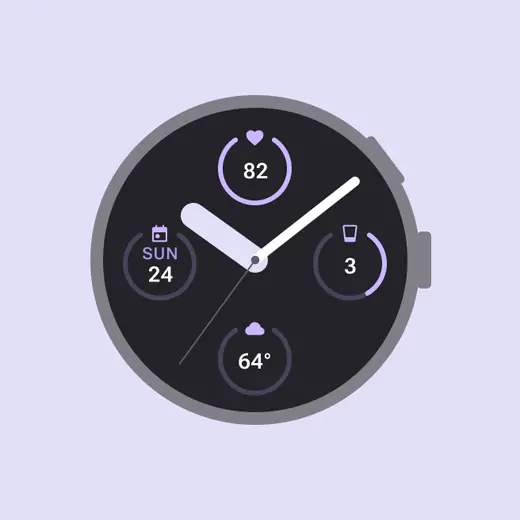
Complications are details on the watch face that can be customized for style or function
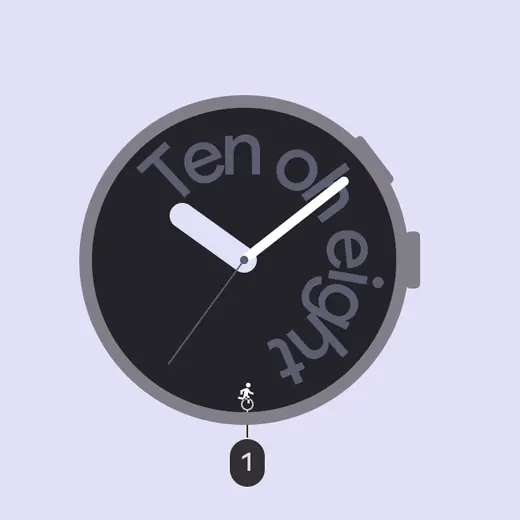
1. Ongoing activities, like timers, media players, or workouts, can be accessed from the watch face
Physical buttons
Wearable devices can have a variety input surfaces, which include physical buttons and controls.
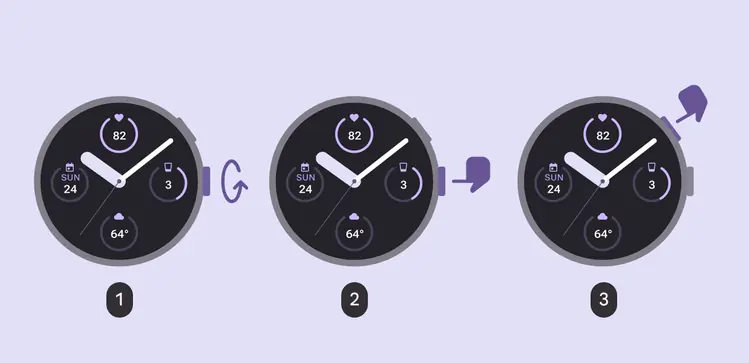
- Rotating side buttons: Used for volume control, or to scroll through options or lists
- System buttons: Dedicated to OS functions like powering on and off, and cannot be customized
- Multifunction buttons: Used by apps for custom actions like starting and stopping a stopwatch
Design principles
- Tailor layouts for different screen sizes with adaptive design
- Design for short interactions to conserve battery
- Focus on one or two tasks at a time rather than a full app experience
- Test designs in situations that involve movement to make sure the design is usable at a glance
Do
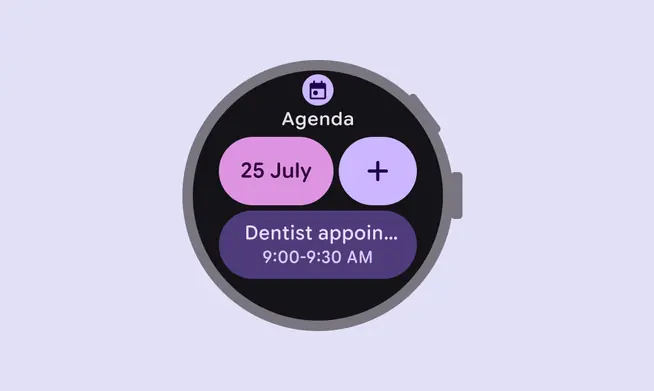
At-a-glance views allow people to quickly see calendar events
Don't
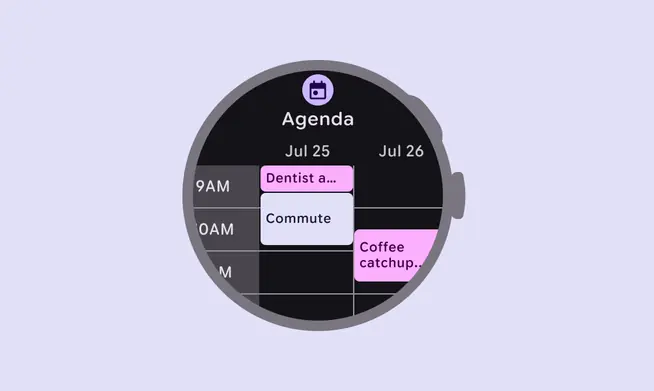
Don't create complex and detailed apps such as a calendar grid
Always relevant
Watches are always with people. Consider how to update app content based on context, such as time, place, and activity.
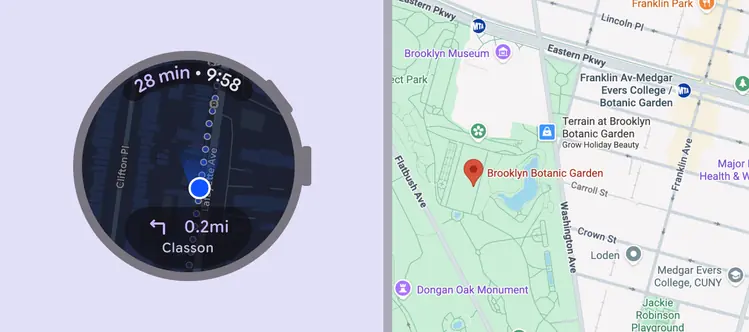
Navigation on a watch complements the experience on a phone
Works offline
Design for slow connections and offline use, such as exercising and commuting.
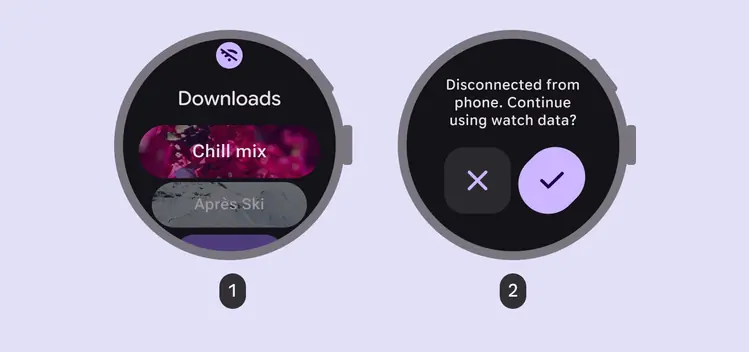
The network state can be communicated through:
- An offline icon
- A dialog
Interaction patterns
Cross-device experiences
Watches are often dependent on connected phones for functionality or complex interactions. In some cases, a watch and a phone are used together to accomplish different parts of the same task.
Consider how experiences can be consistent and complement the strengths of each device.
More on multidevice development for Android
Do
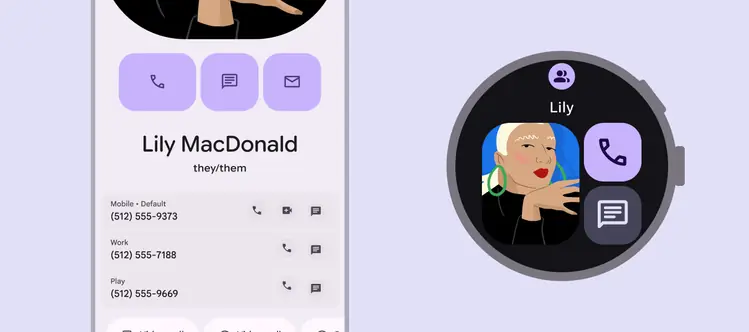
Consider which actions are appropriate for each device
Always on displays
Watches can have always on displays, which allow ambient content to be shown when the watch isn’t in use.
This are especially helpful for ongoing experiences like a timer or a workout that should remain in view. Because they remain on the screen for long time periods, consider limiting the number of pixels that are illuminated.
More on always-on apps and system ambient mode in Wear OS
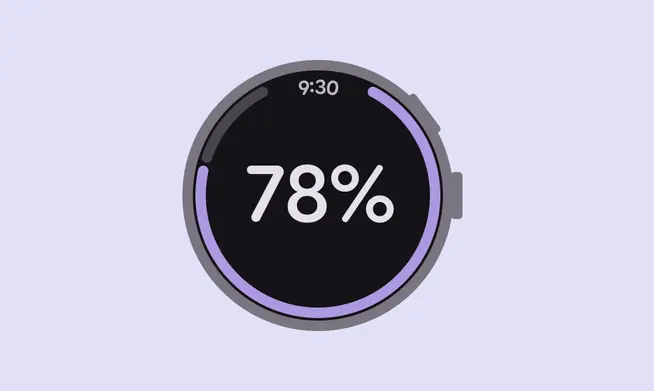
Limit the number of illuminated pixels for a display that's always on