FAB menu
The floating action button (FAB) menu opens from a FAB to display multiple related actions
Overview · Specs · Guidelines · Accessibility

- Opens from a FAB to show 2–6 related actions floating on screen
- One FAB menu size for all sizes of FABs
- Not used with extended FABs
- Available in primary, secondary, and tertiary color sets
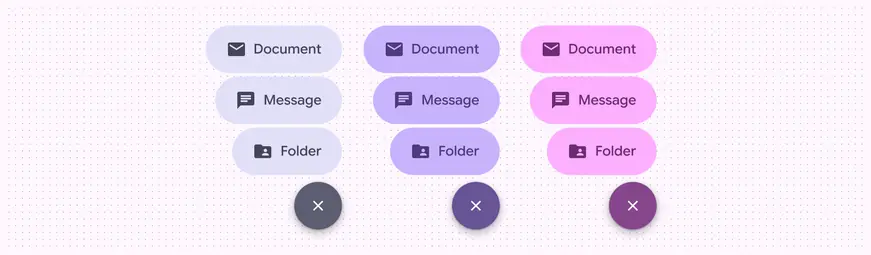
The FAB menu comes in three color sets: primary, secondary, tertiary
Availability & resources
| Type | Resource | Status |
|---|---|---|
| Design | Design Kit (Figma) | Available |
| Implementation | Jetpack Compose: Expressive | Available |
| Implementation | Android Views (MDC-Android): Expressive | Unavailable |
| Implementation | Web: Expressive | Unavailable |
M3 Expressive update
May 2025
The FAB menu adds more options to the FAB. It should replace the speed dial and any usage of stacked small FABs. More on M3 Expressive
New component added to catalog:
- One menu size that pairs with any FAB
- Replaces any usage of stacked small FABs
Color:
- Contrasting close button and item colors
- Supports dynamic color
- Compatible with any FAB color style
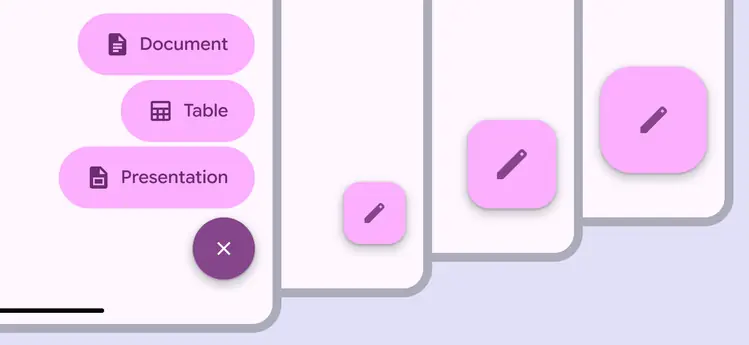
The FAB menu uses contrasting color and large items to focus attention. It can open from any size FAB.
Differences from M2
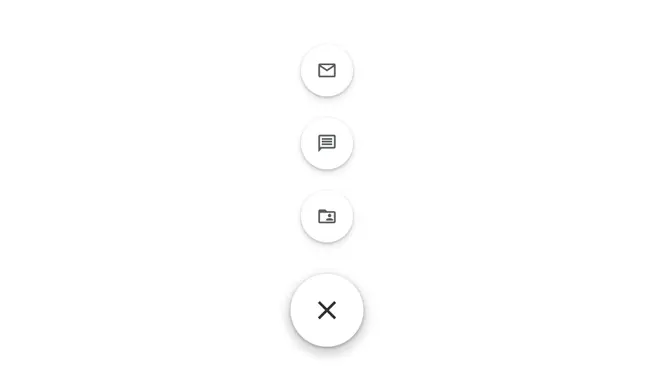
M2: The speed dial used small round FABs
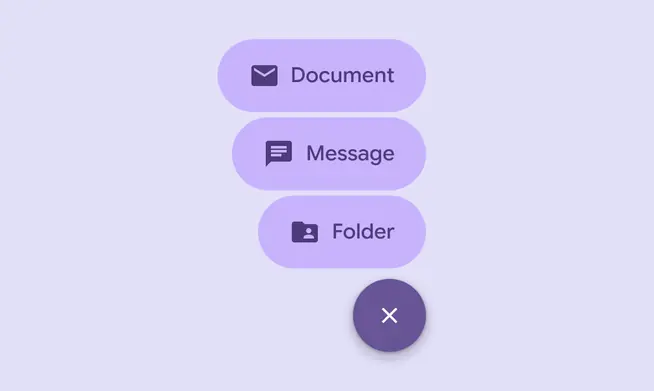
M3: The FAB menu uses dynamic color and a larger item size