Extended FABs
Extended floating action buttons (extended FABs) help people take primary actions, just like FABs. They’re wider than FABs and include a text label, providing more detail and a larger target surface.
Overview · Specs · Guidelines · Accessibility
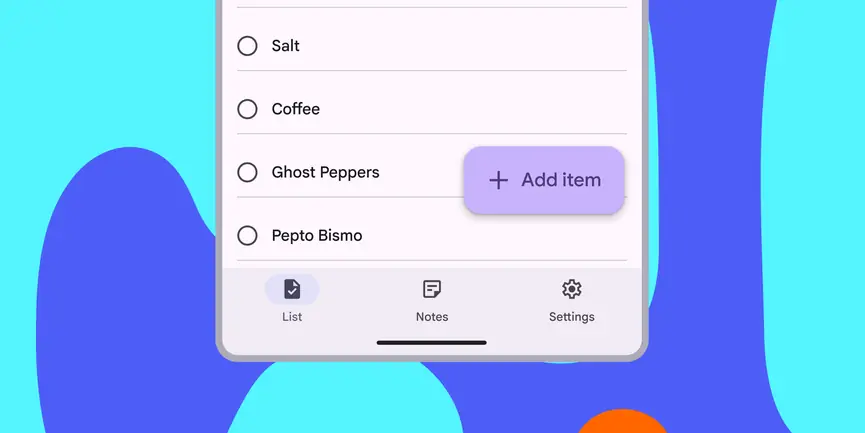
- Use for the most common or important action on a screen
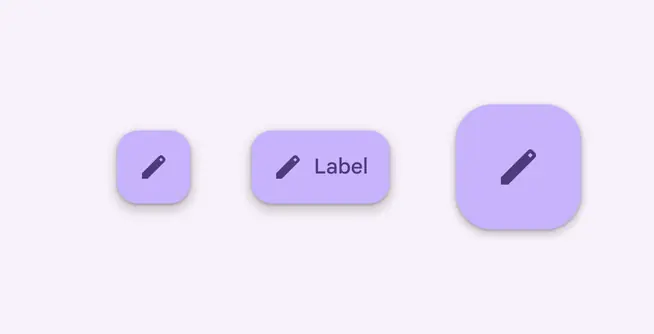
- Three variants: small, medium, and large
- Use instead of FAB when label text is needed to understand action
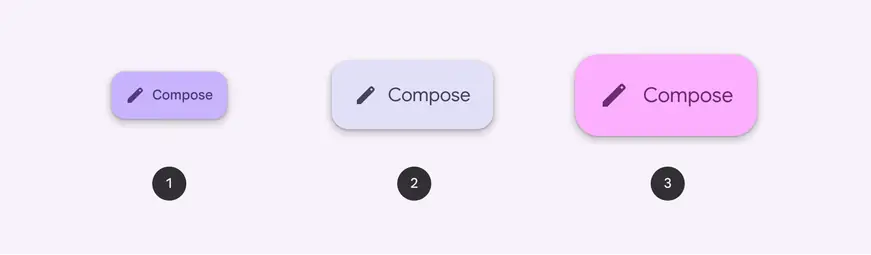
- Small extended FAB
- Medium extended FAB
- Large extended FAB
Availability & resources
| Type | Resource | Status |
|---|---|---|
| Design | Design Kit (Figma) | Available |
| Implementation | Flutter | Available |
| Implementation | Jetpack Compose | Available |
| Implementation | Jetpack Compose: Expressive | Available |
| Implementation | Android Views (MDC-Android) | Available |
| Implementation | Android Views (MDC-Android): Expressive | Available |
| Implementation | Web | Available |
| Implementation | Web: Expressive | Unavailable |
M3 Expressive update
May 2025
The extended FAB now has three sizes: small, medium, and large, each with updated type styles. These align with the FAB sizes for an easier transition between FABs. The baseline extended FAB is no longer recommended and should be replaced with the small extended FAB. Surface and FABs are also no longer recommended. More on M3 Expressive
Variants and naming:
Added new sizes
- Small: 56dp
- Medium: 80dp
- Large: 96dp
No longer recommended
- Baseline extended FAB (56dp)
- Surface extended FAB
Updates:
- Adjusted typography to be larger
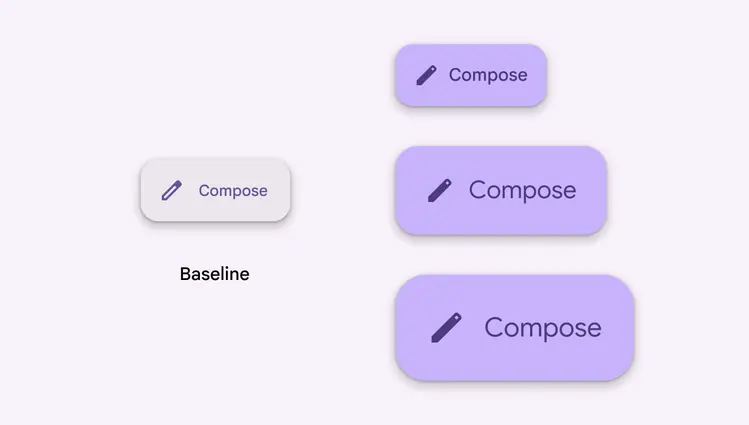
The baseline extended FAB is replaced with a set of small, medium, and large extended FABs with new typography
Differences from M2
- Color: New color mappings and compatibility with dynamic color
- Layout: Extended FAB is the same height as the FAB
- Shape: Boxier style with smaller corner radius
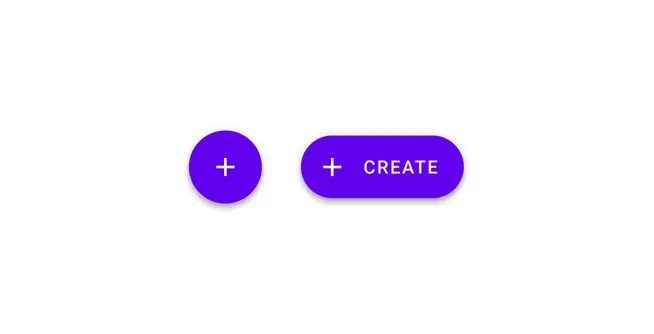
M2: Extended FABs are pill-shaped and have a different height and elevation
M3: Extended FABs share the same height, boxier shape, and simpler elevation model as FABs